To ensure that NCRO can provide you with the latest communications, newsletters, benefits, and company ownership updates, please check and update your information in the NCRO database.
Regarding Membership Information in the NCRO Database:
There is no linkage between Stellantis and NCRO databases. If you update Stellantis with any changes to your home address, email address, or phone numbers, these changes do not get to NCRO. You need to update both Stellantis and NCRO separately.
- Email Address: If you no longer have an email address, the only means for NCRO to provide you with written communications is through your mailing address. If it is not correct in the NCRO database, you will not receive any communications from NCRO. Please keep your address in the database current.
- Snowbirds: Many of you may travel to a warmer climate for the winter months. We cannot keep two mailing addresses for you in our database. Please provide NCRO with one main mailing address to send NCRO communications.
- Payment Addresses: All 2026 Calendar Year payment addresses used are presently in the NCRO database. If you are using the NCRO website to make payment for breakfast meetings or dues, please take the time to review your information in the database and correct it if required.
- Caregiver Address: If you are living with a caregiver, please use the caregiver’s address in the database.
How to Change Your Information:
Please go to the NCRO website (www.ncro.org) and click on. the “Members Only” tab in top right-hand corner of the front page. Follow the instructions. Please verify that your correct address and/or email address is on file.
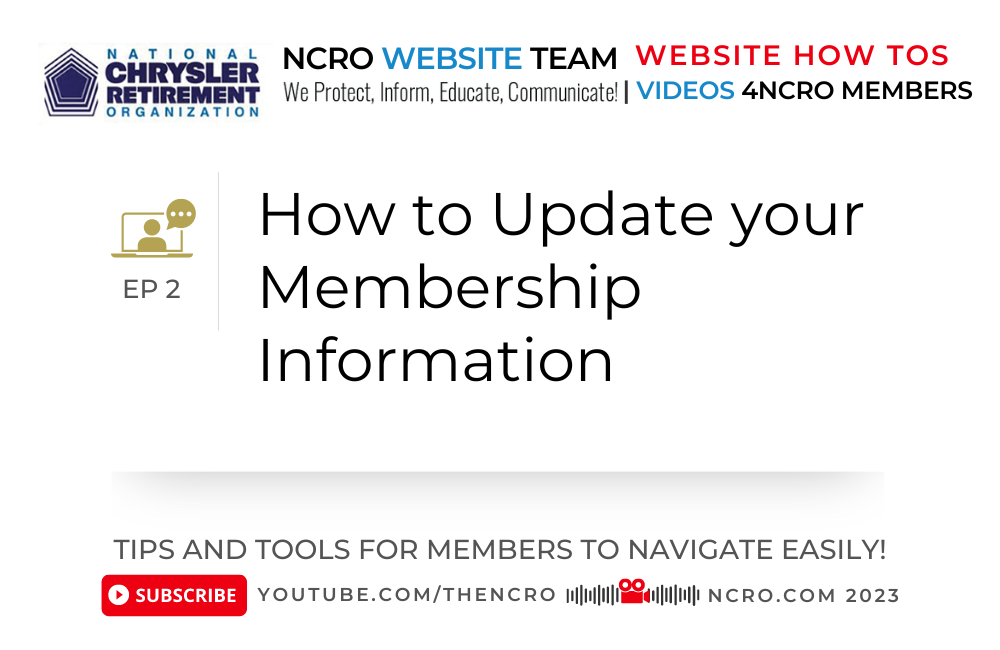
We included a YouTube Video below.
Your information may be incorrect in FCA’s database also. So, update both NCRO and Stellantis with any changes in address and/or phone number. Make the Stellantis update at https://fcabenefits.ehr.com. Click on My Profile and on View/Edit to see your current information and make any needed changes.
If you have a problem updating your information in the NCRO database, please contact Pete Piccinato, and he will help to get it done. Pete’s email is: ppiccinato@comcast.net
Update My Membership Information
The National Council of Retiree Organizations (NCRO) is reminding members to review and update their contact information to ensure uninterrupted communication and continued access to …